Your business website, ready this afternoon.
Pick one of 225 templates, or let the AI write the first draft from a short form about your business. Then change any word, photo or color in a visual editor and publish in one click. Start free. The AI comes with the paid plans.
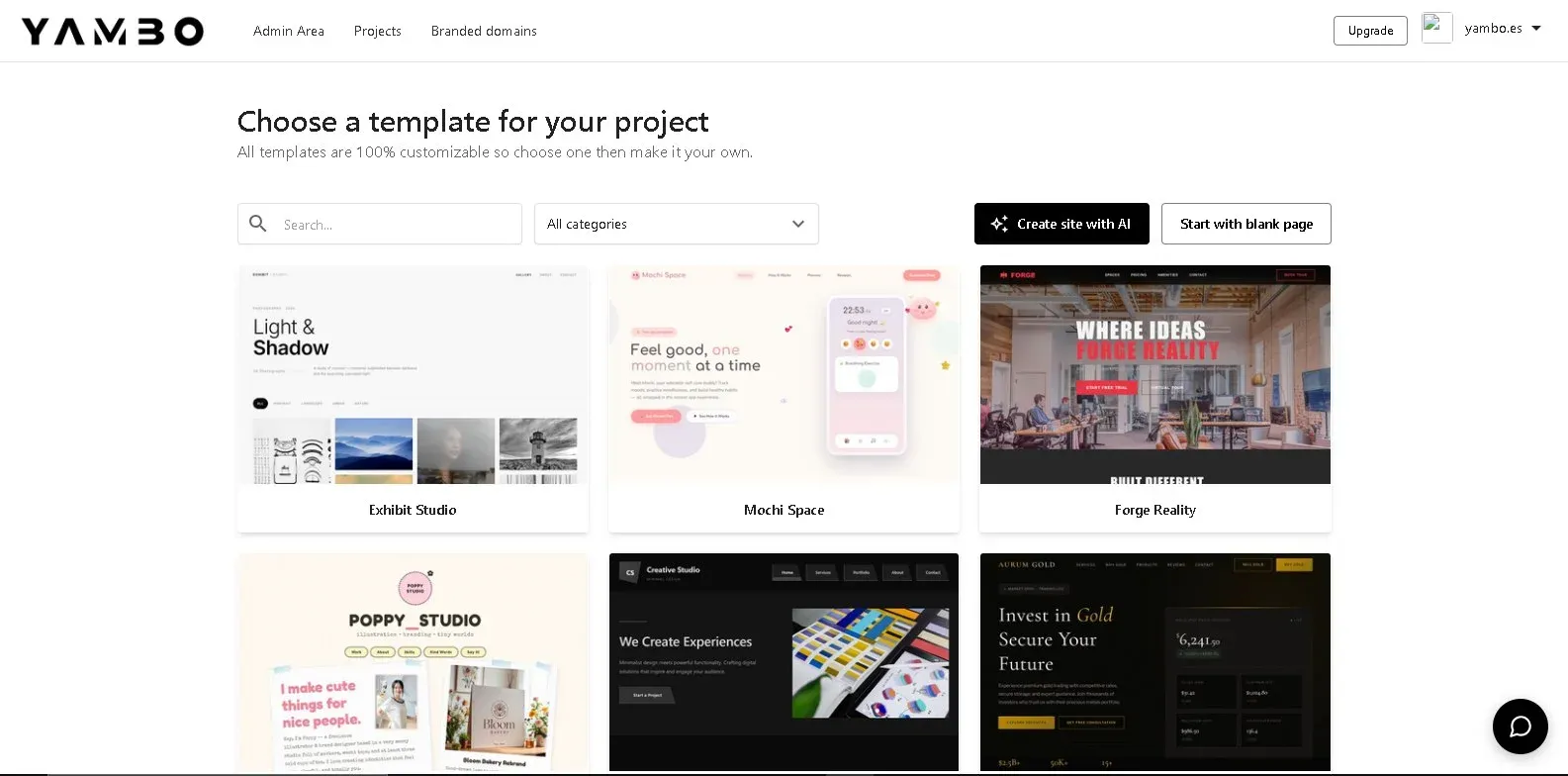
- 225
- Templates
- In 20 categories, from restaurants to portfolios. Preview any of them without an account.
- 74
- Yammbo blocks
- Heroes, menus, pricing, galleries, bookings, opening hours, WhatsApp, and more.
- $0
- To start
- The Free plan has the editor, every template and a free address with HTTPS.
- 4
- Screen sizes
- Check the page on mobile, tablet, laptop and desktop before you publish.
Start from a template, a short form, or a blank page.
Whichever you pick, you end up in the same visual editor, with a real page you can change line by line.
- A template
- Choose from 225 designs, swap in your text and photos, and you are most of the way there.
- All plans
- A short form for the AI
- Tell it your business, services, prices, hours and style. It writes a full site, in Spanish or English, while you watch the progress bar.
- Paid plans
- A blank page
- Drag in the blocks you want, one by one, and build exactly the layout you have in mind.
- All plans
The AI writes the first draft. You keep the last word.
Every AI tool works inside the editor, on the page you are looking at. Monthly site generations: 5 on Basic, 15 on Standard, 40 on Pro.
- A full site from a form
- Business, services, prices, opening hours, phone, social links, logo and colors, plus one of 13 visual styles. It writes up to 5, 10 or 25 pages depending on your plan.
- A new section on request
- Describe the section you need, like "a menu with three lunch specials", and it is added to the page.
- Change a section in plain words
- Select a section and ask for what you want: shorter, more formal, another layout.
- Headlines and paragraphs
- Write a headline or a paragraph from a short prompt, right from the text controls.
- Rewrite any text
- Simplify, shorten, lengthen, fix spelling, change the tone or translate, in one click.
- Images
- Generate an image with AI, or search free stock photos from Pexels and Unsplash in the same window.
What you see is the page that goes live.
Click anything to change it. No code needed, and custom CSS and JavaScript are there on paid plans if you want them.
- 74 ready-made blocks
- Heroes, navbars, pricing, FAQ, testimonials, galleries, team, maps, video, a booking window, opening hours and a WhatsApp button, on top of the core text, button, form and layout elements.
- Search the blocks
- Type what you need and the panel finds it, in English or Spanish.
- Inspector
- Spacing, size, typography, background, border, shadow, effects and position for whatever you select.
- Design check
- One button finds overlapping text, hard-to-read colors, empty color blocks and anything that spills off the screen, and takes you to each one.
- Undo and history
- Step back one change at a time, or jump to an earlier point from the history panel.
- Custom CSS and JavaScript
- For the details a block does not cover. Basic, Standard and Pro.
225 templates,
ready to make yours.
Business, landing pages, portfolios, tech, photography, restaurants and cafes, and 14 more categories. Open any preview without signing up.
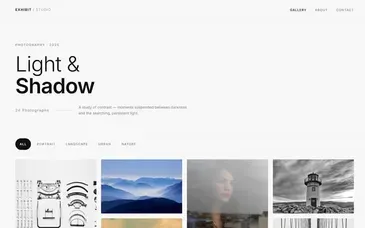
Exhibit Studio
View →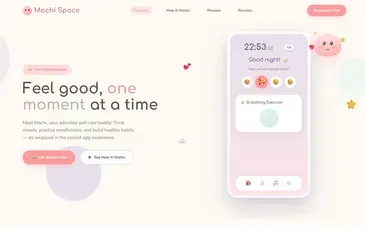
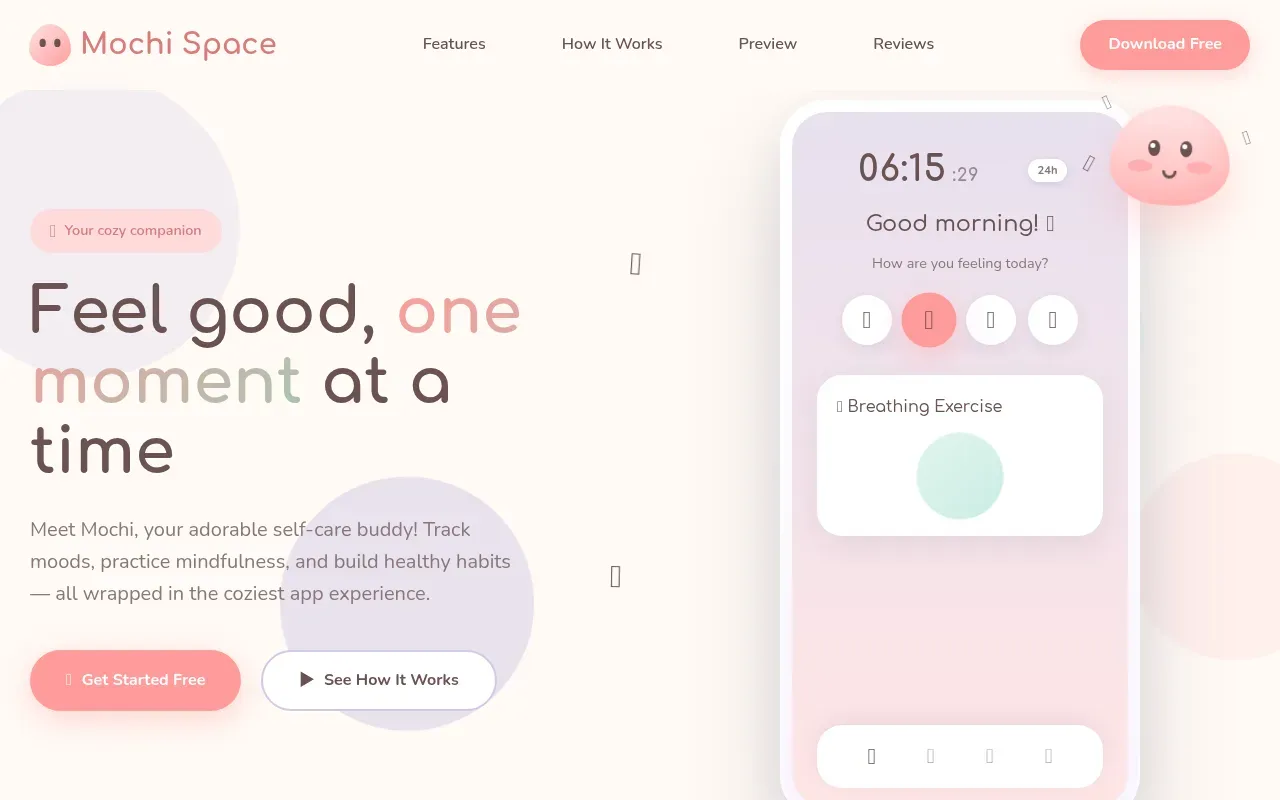
Mochi Space
View →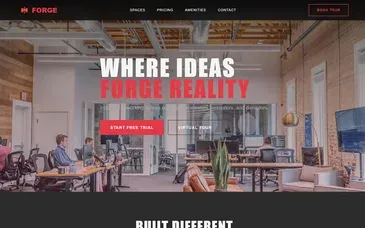
Forge Reality
View →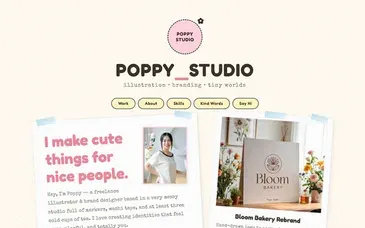
Poppy Studio
View →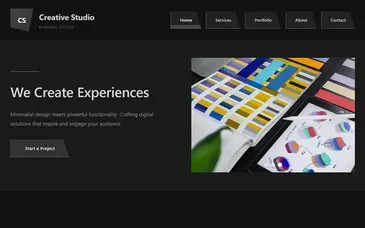
Graphite Creative
View →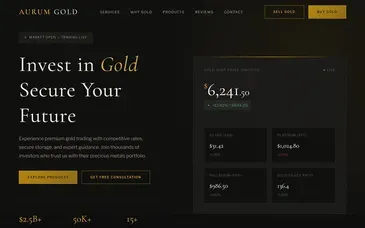
Aurum Gold
View →
Chain Summit
View →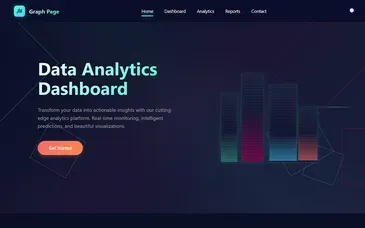
Graph Page
View → Exhibit Studio
View → Mochi Space
View → Forge Reality
View → Poppy Studio
View → Graphite Creative
View → Aurum Gold
View → Chain Summit
View → Graph Page
View →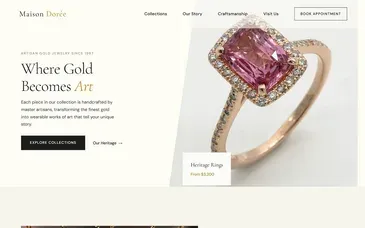
Maison Doree
View →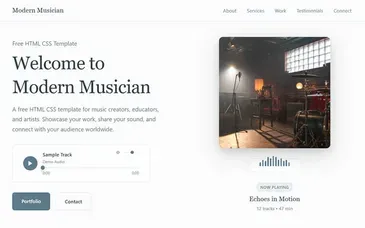
Modern Musician
View →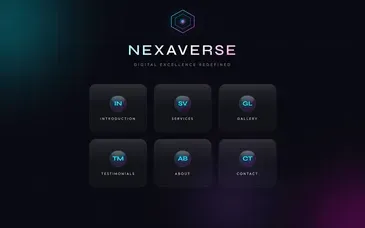
Nexaverse
View →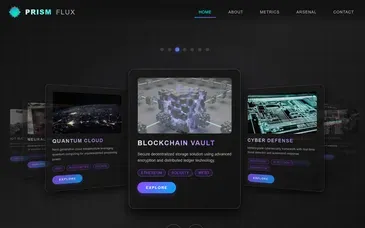
Prism Flux
View →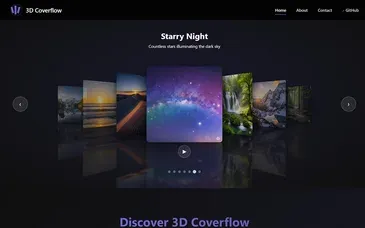
3D Coverflow
View →
Fireworks Composer
View →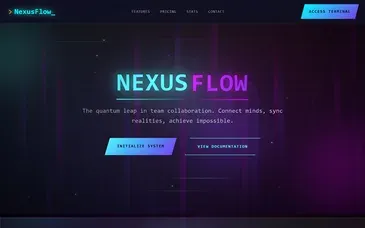
Nexus Flow
View →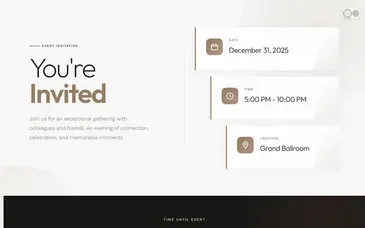
Event Invitation
View → Maison Doree
View → Modern Musician
View → Nexaverse
View → Prism Flux
View → 3D Coverflow
View → Fireworks Composer
View → Nexus Flow
View → Event Invitation
View →
74 blocks,
drag any of them.
Hero, features, pricing, FAQ, testimonials, contact, gallery, team, stats, newsletter, footer, and many more. Drop a block in, edit it, swap it.
Hero
dragFeatures
dragPricing
dragFAQ
dragTestimonials
dragFooter
dragGallery
dragTeam
dragStats
dragNewsletter
dragContact
dragLogo Cloud
dragSame page, every screen.
desktop
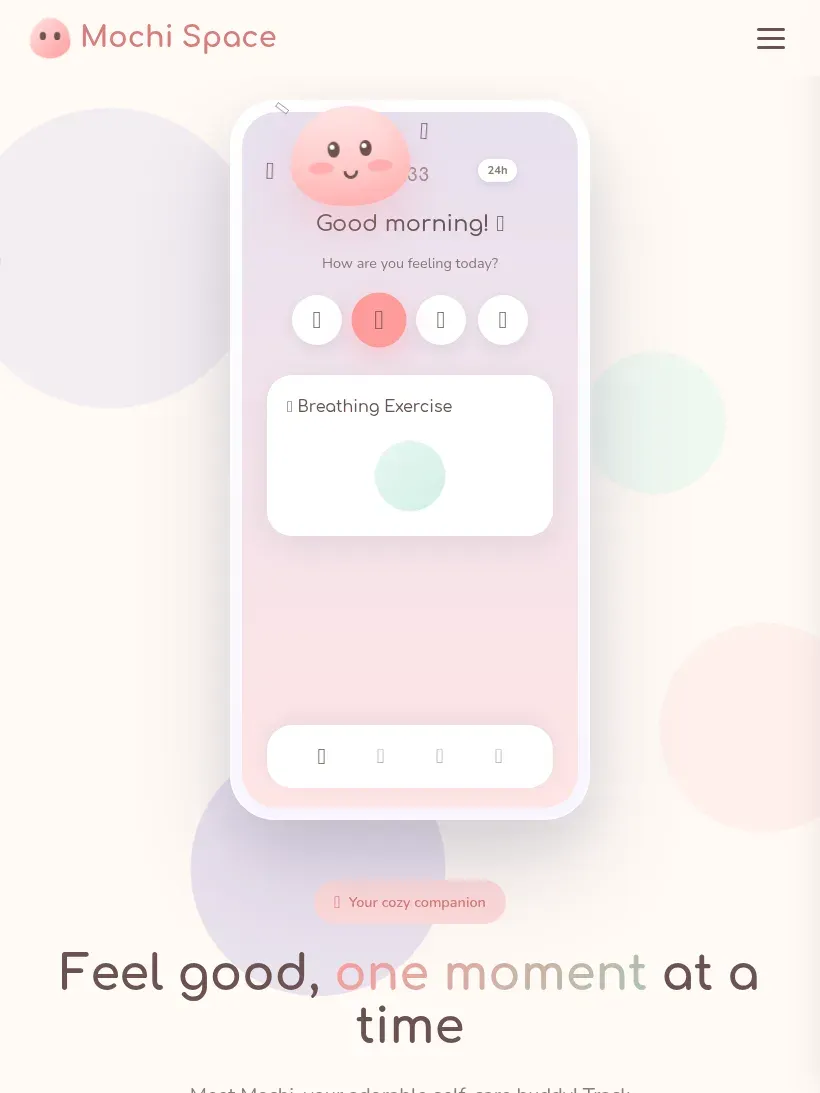
tablet
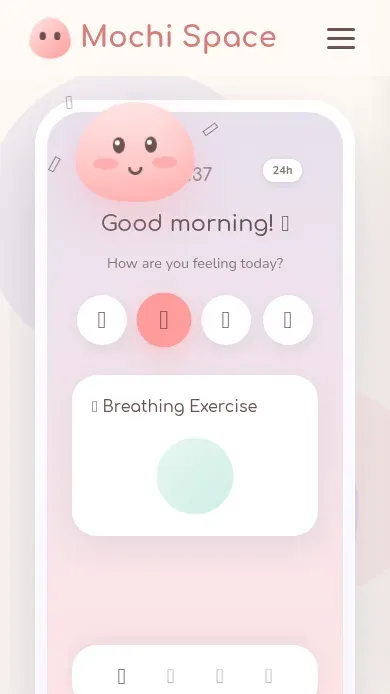
mobile
Live in one click, found on Google.
Every plan publishes one site at a time, with as many drafts as you like.
- A free address
- Your site goes live at web.yammbo.com/sites/your-name, with HTTPS, on every plan.
- Your own domain
- Put the site on a domain you own. Basic and Standard include one, Pro includes two, and we connect it with you step by step.
- SEO on every page
- Title, description, share image, canonical link and indexing rules, set per page.
- Structured data and sitemap
- Each site gets a sitemap.xml and the structured data search engines read, for a business, a person or a service.
- Analytics and Meta Pixel
- Paste your Google Analytics or Meta Pixel ID and it is added to every page.
- Contact form and leads
- Visitors write to you from the site; the messages land in your dashboard, with a spam trap built in.
- Take your files with you
- Download the whole site as a ZIP on Standard and Pro, or send it to your own server by FTP on Pro.
Free to start. From $9 when you want the AI.
Pay monthly or yearly by card or PayPal, and cancel any time: the plan stays active until the end of the period. There is no trial of the paid plans.
Free
$0/month
No card needed
- Visual editor and all 225 templates
- Free address with HTTPS
- Contact form, SEO and analytics
- 200 MB of storage
Basic
$9/month
or $84 a year
- Everything in Free
- AI: 5 site generations a month
- 1 custom domain
- Custom CSS and JavaScript
- 500 MB of storage
Standard
$19/month
or $180 a year
- Everything in Basic
- AI: 15 site generations a month
- Download the site as a ZIP
- 2 GB of storage
Pro
$39/month
or $372 a year
- Everything in Standard
- AI: 40 site generations a month
- 2 custom domains
- Publish to your server by FTP
- 10 GB of storage
Every plan publishes one site at a time. Full details in the plans guide.
Before you sign up.
Straight answers about what Yammbo Web does today.
Do I need to know how to code? +
No. You click on what you want to change and edit it in place. Custom CSS and JavaScript are there on the paid plans for people who want them, but nothing requires them.
Is the AI included in the Free plan? +
No. The AI tools are part of Basic, Standard and Pro. On Free you build from a template or a blank page with the same editor.
What exactly does the AI do? +
From a short form about your business it writes a full site, text, layout and images included, in Spanish or English. Inside the editor it can also add a section, change a section you select, write or rewrite text, and create images.
How many sites can I publish? +
One at a time, on every plan. You can keep as many drafts as you want and switch which one is live.
Can I use my own domain? +
Yes, on the paid plans: one on Basic and Standard, two on Pro. Write to support@yammbo.com with your domain and where it is registered, and we connect it with you step by step so it never goes offline.
What address does my site get on the Free plan? +
web.yammbo.com/sites/your-name, with HTTPS.
What about SEO? +
Every page has its own title, description, share image, canonical link and indexing rules. The site also gets a sitemap.xml and structured data generated for you, and you can add Google Analytics or a Meta Pixel by pasting the ID.
Do the contact forms need another service? +
No. Messages from your site's form arrive in your dashboard, and the form has a built-in spam trap.
Can I take my site somewhere else? +
Yes. Standard and Pro let you download the whole site as a ZIP, and Pro can also send it to your own server by FTP.
Is the editor in Spanish? +
Yes. The editor works in Spanish and English, and the AI can write your site in either language.
How do I pay, and can I cancel? +
By card or PayPal, monthly or yearly. You can cancel any time from Billing and the plan stays active until the end of the period you paid for.
Your site can be live today.
Create a free account, pick a template and publish. Move to a paid plan when you want the AI or your own domain.